Description
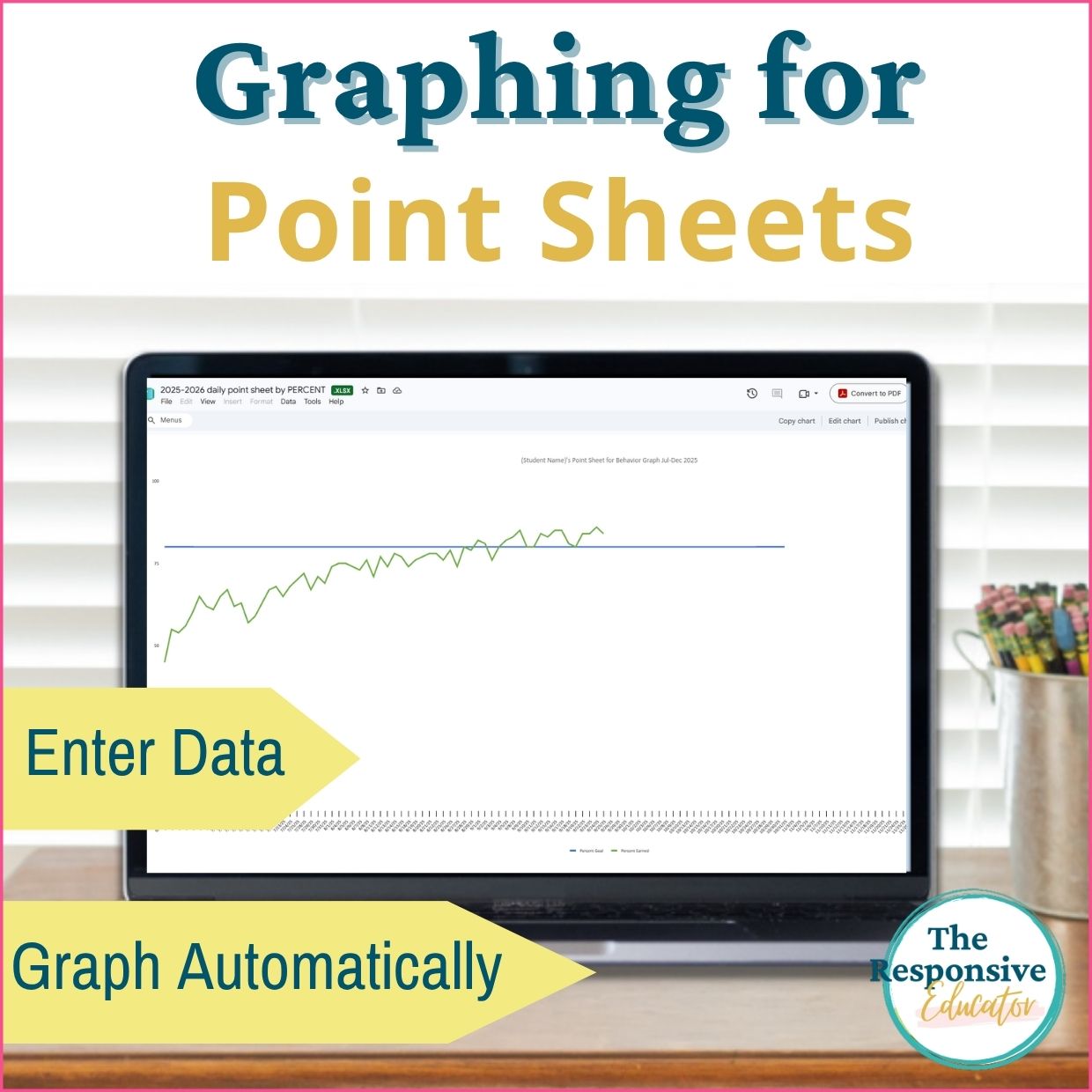
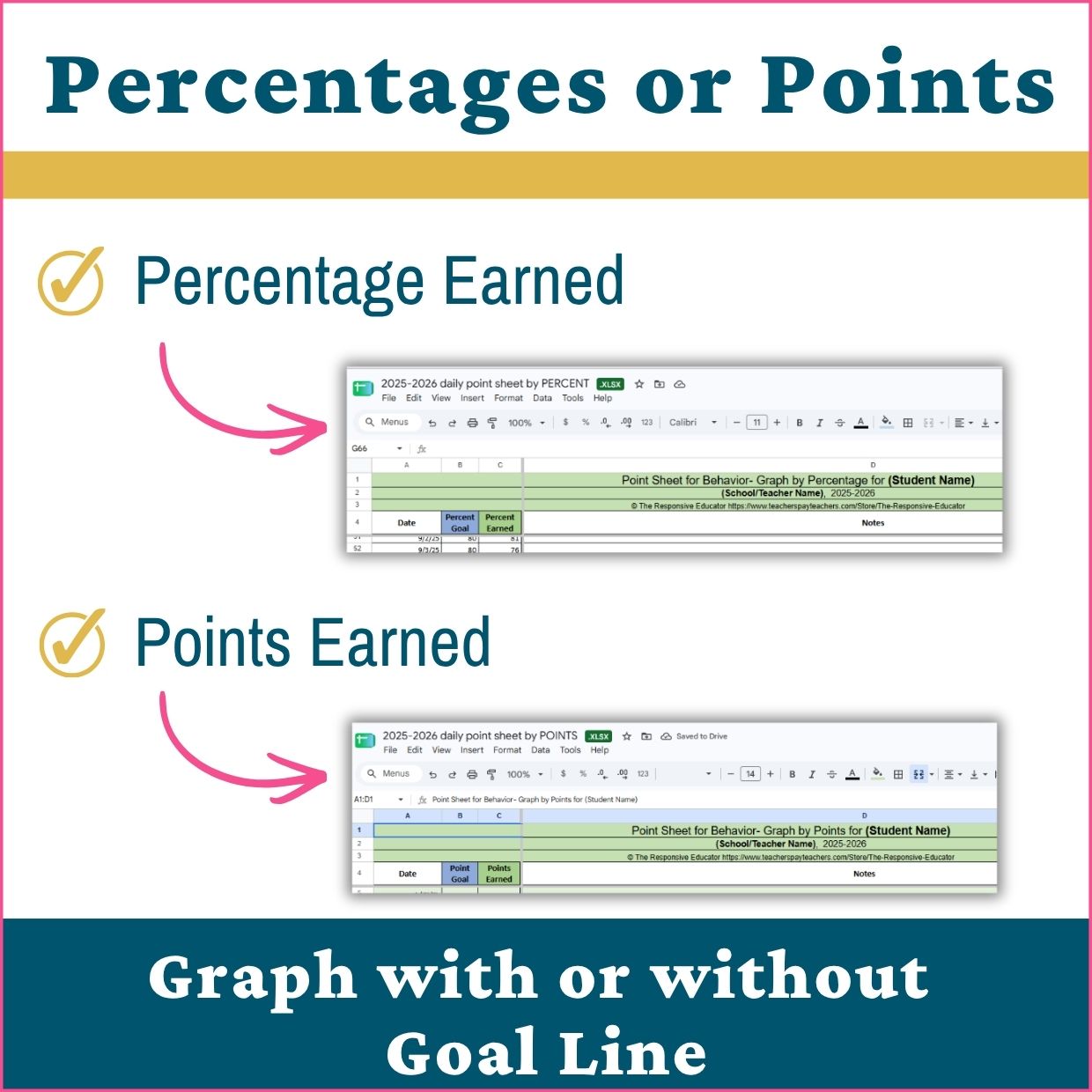
This behavior tracking spreadsheet turns daily point-sheet scores into automatic progress graphs. Use my point sheets or your own, choose the points or percentage version, and enter daily results in Microsoft Excel or Google Sheets. Graph earned scores alone or include a goal line to compare performance over time.
A daily score tells you how one day went. Looking at scores together helps you see improvement, variability, and times when a student may need additional support. These spreadsheets organize those results into graphs you can review with students, families, and your team.
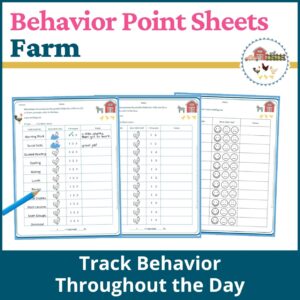
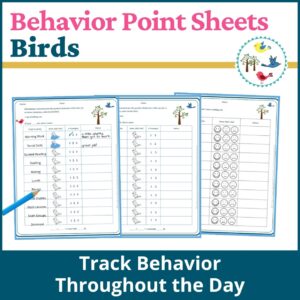
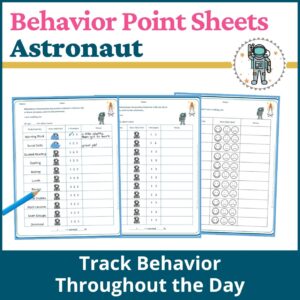
This is a digital graphing tool. Point sheets are sold separately.
Behavior Tracking Spreadsheet for Your Existing Point Sheets
You do not need to replace the point sheet you already use. These templates work with point sheets that provide a daily points total or percentage earned.
Choose between two spreadsheet versions:
- Points earned: Enter the student’s daily points.
- Percentage earned: Enter the student’s daily percentage.
You manually enter the daily scores, and the graph updates automatically. The tool does not import or read point sheets for you.
Compare Progress With an Optional Goal Line
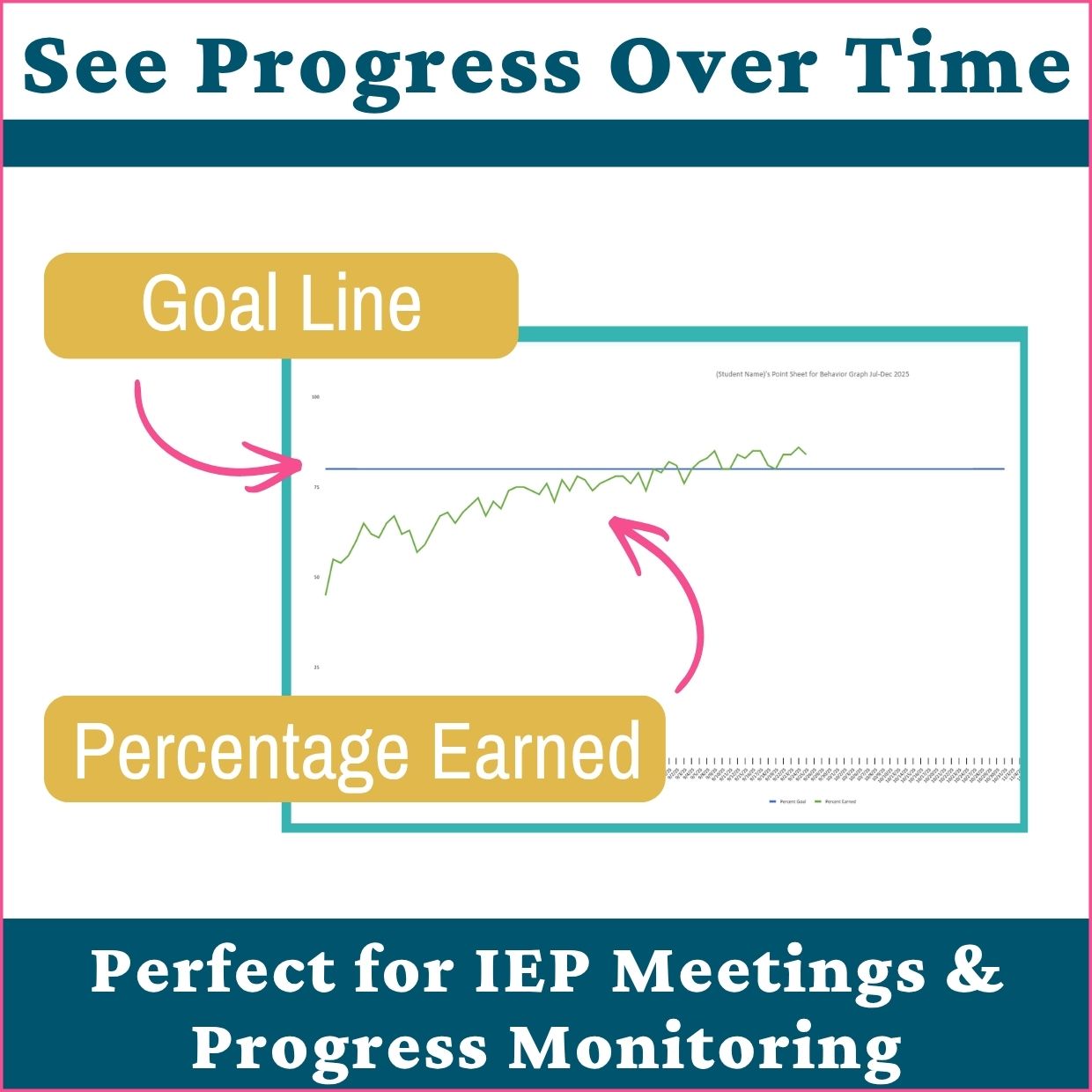
Graph daily results on their own or enter a goal to show how earned scores compare with expectations.
The goal line can represent:
- A daily goal you and the student have agreed on
- An IEP goal measured through point-sheet scores
- The score required to move up in a classroom level system
Viewing results alongside the goal helps you discuss how consistently the student is meeting it and what support or practice may be needed next.
What’s Included
- Daily graphing spreadsheets for points earned and percentages earned
- Templates covering school years through 2029–2030
- Automatic graphs with an optional goal line
- Quick Excel Tips for adjusting graphs, naming student graphs, and adding phase lines and trendlines
- An example behavior graph with phase lines and a trendline
- A data collection methods overview explaining common measurement options
Use Graphs for Behavior Progress Monitoring
Use the graphs during IEP meetings, parent conferences, and behavior-support discussions to give everyone a shared view of the student’s progress.
Review patterns across days rather than relying on one unusually high or low score. Consider the results alongside classroom observations, the supports provided, and any changes to the scoring system.
If the number of available points changes, raw point totals may not be directly comparable. Percentages can help account for different totals, but consistent expectations and scoring remain important.
Help Students Recognize Their Progress
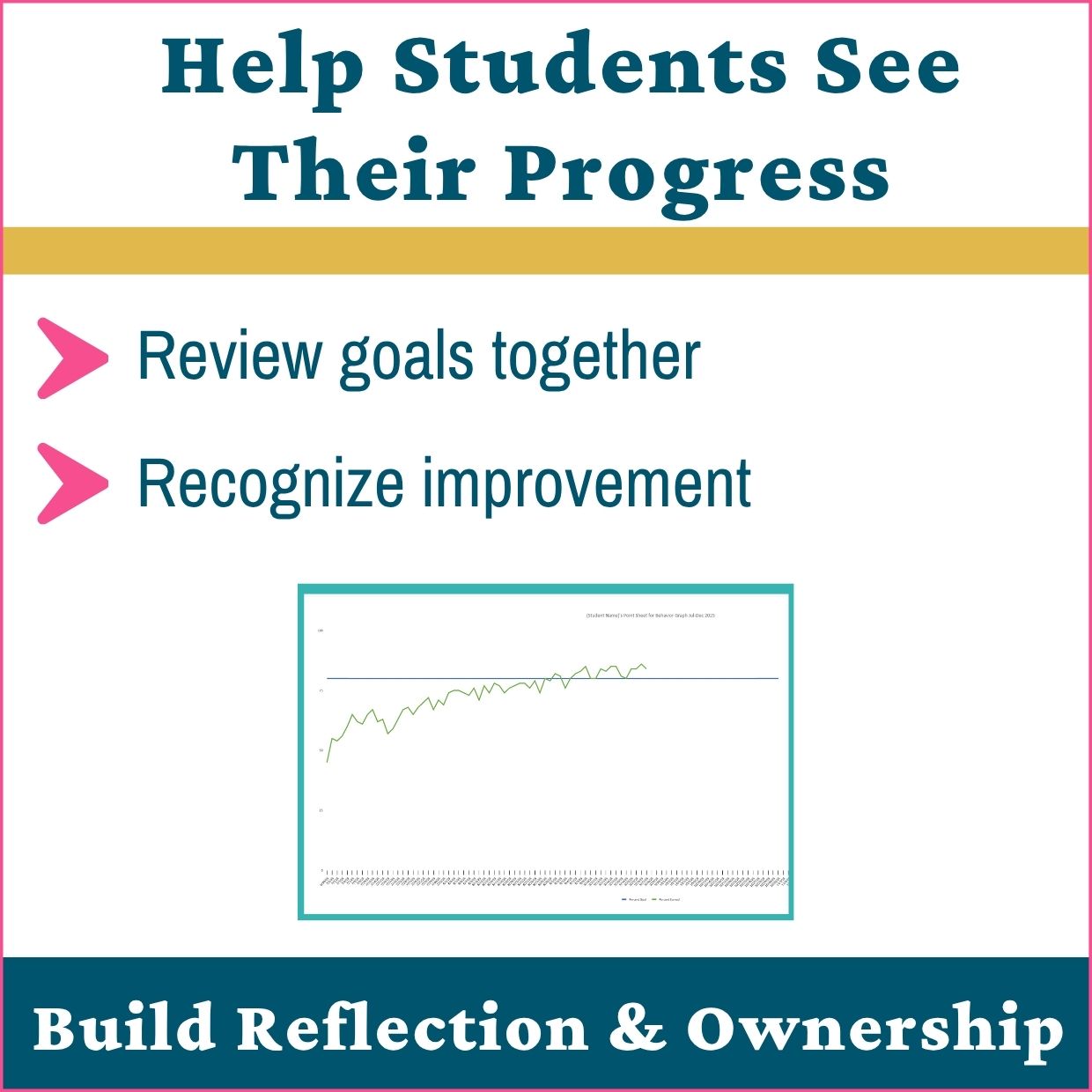
Graphs can also support conversations with students. Review several days together, notice improvement, and discuss times when meeting the goal was harder.
Connect the conversation to specific strategies: asking for a break, accepting support, or using a practiced skill. Then identify one strategy to keep using or one skill that needs more practice.
The goal is to give students a role in understanding their progress and planning what comes next.
Included Excel Guidance for Phase Lines and Trendlines
The included instructions explain how to add phase lines in Excel to mark changes such as a new intervention, schedule adjustment, or change in support. These markers help your team review results before and after a change.
Phase lines provide context; they do not establish what caused an improvement or difficulty. Trendlines help summarize the overall direction of the data.
Basic data entry and automatic graphing work in Excel or Google Sheets. The included phase-line instructions are for Excel.
File Format and License
- Digital download for Microsoft Excel or Google Sheets
- Graphing spreadsheets and PDF support materials
- Point sheets are not included
- Licensed for use by one educator
- Redistribution or sharing of the files is not permitted
- No physical product will be shipped


Reviews
There are no reviews yet.